

My Perfect Farm on CrazyGames: Beginner's Guide
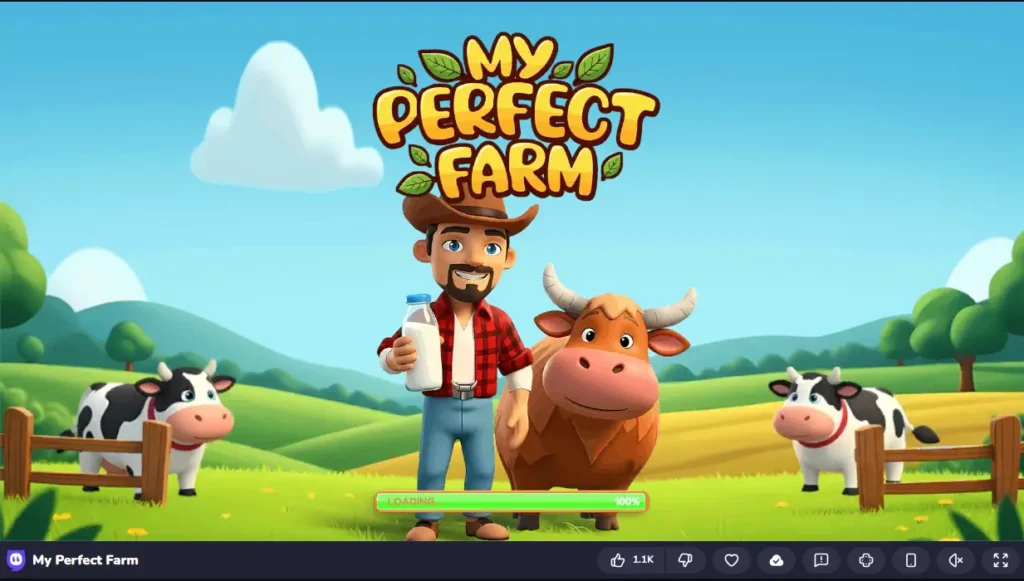
We recently launched My Perfect Farm on CrazyGames and the response has been brilliant. Thousands of new players are jumping in every day, and a lot of you have been asking the same questions — what should I focus on first, how do the animals work, why does my farm keep stalling? This guide answers all of it.
Whether you just discovered us on CrazyGames or you already play the free farming game on mobile and want to try the browser version, read this before you start.
If you’re new, you can play online on CrazyGames and follow along as you learn the basics. It will save you a lot of wasted coins and time in the early hours.
What Makes My Perfect Farm Different on CrazyGames
Most farming games on CrazyGames are flat, passive, click-and-wait experiences. You press a button, wait for a timer, and collect coins. That’s not what we built.
My Perfect Farm is a 3D farming simulator where you control a real character that walks around your farm. You physically go to your crops, harvest them yourself, carry products to the selling point, and interact with every part of your oasis. If you want to see how we stack up against other popular titles.
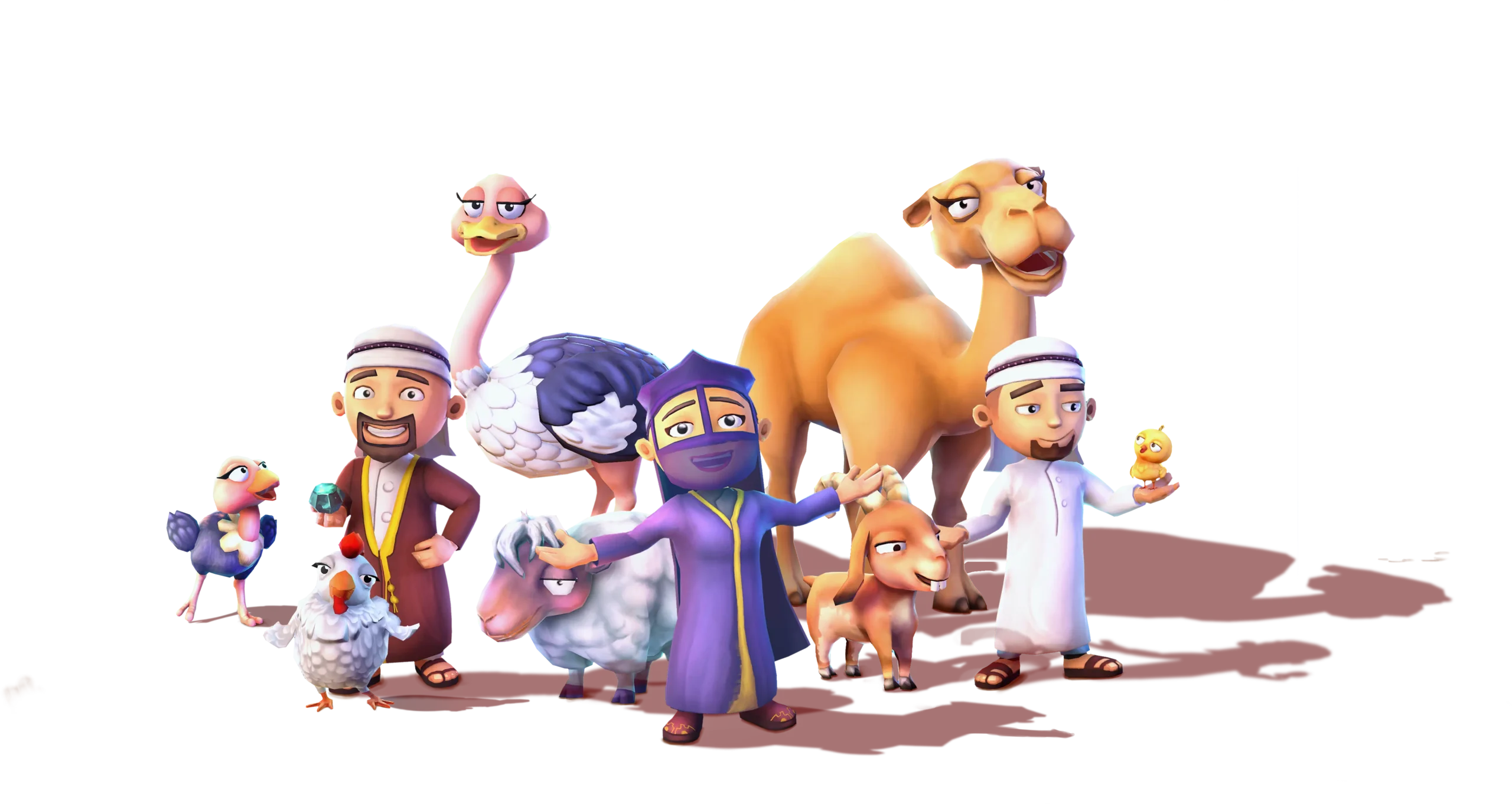
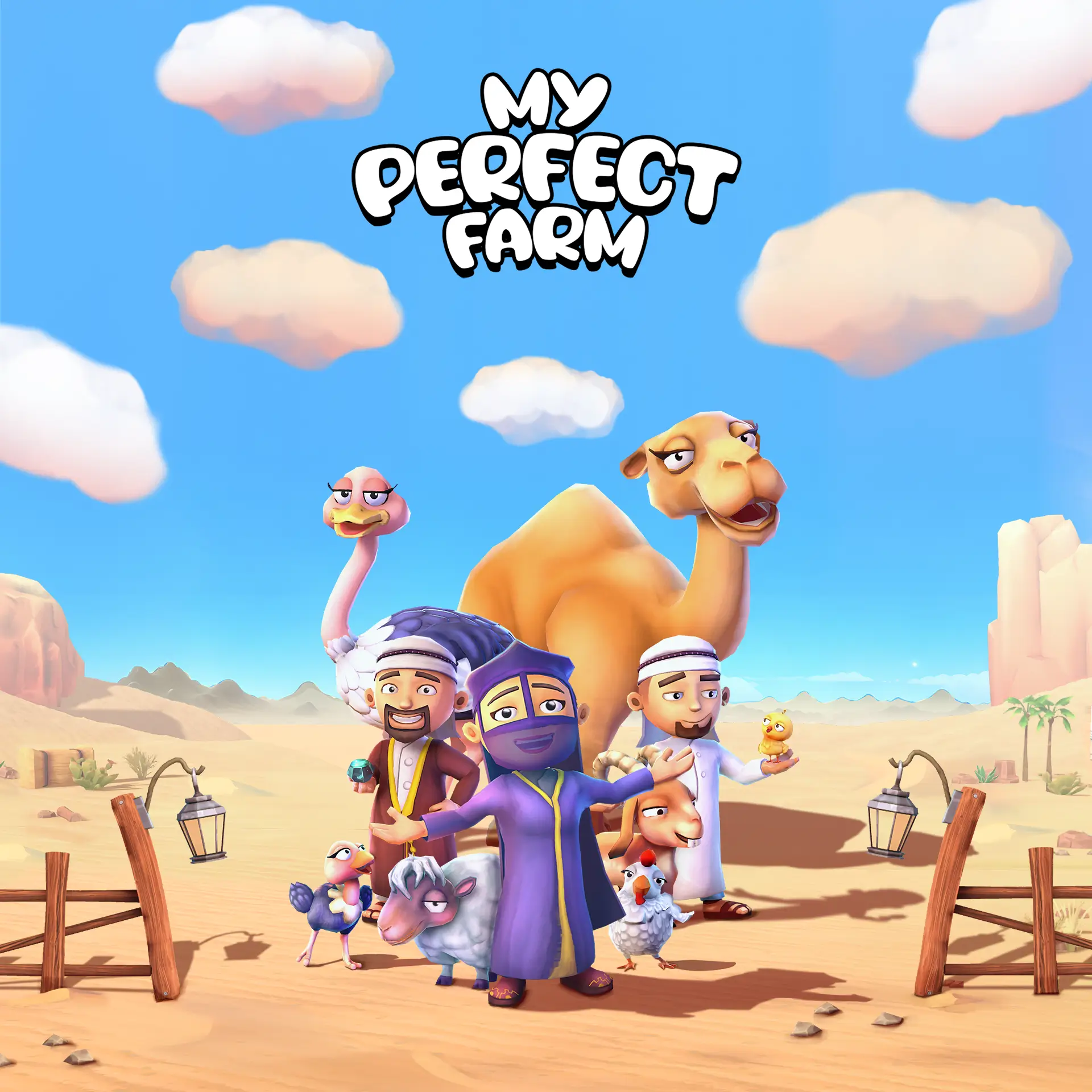
The other thing that sets it apart is the setting. Our farm is built around a Gulf-inspired desert oasis (in my perfect farm one) with animals you won’t find in most browser farming games — camels, ostriches and sheep alongside cows and chickens. The whole game has a Middle Eastern farming game feel that’s genuinely different from the generic countryside farms that fill the farming category on most gaming platforms.
It’s completely free to play in your browser. No download, no account needed to start.
Your First 10 Minutes on the Farm
When you load My Perfect Farm on CrazyGames, a short tutorial runs automatically. Don’t skip it. It covers the basics in under five minutes and gets you set up with your first crops and animals.
Browser controls you need to know:
Use WASD or the arrow keys to move your character around the farm. Use the left mouse button to interact with everything — crops, animals, buildings, upgrade menus, and the selling point. On mobile browsers or tablets, touch controls replace the keyboard and they work cleanly.
The first thing you’ll notice is that the game puts you inside the farm, not above it. You walk around, you interact, you do things yourself. That active gameplay loop is what makes our farm simulation game feel satisfying rather than idle.
The Core Gameplay Loop
Every session in My Perfect Farm follows the same cycle.
You plant crops, wait for them to grow, harvest them manually, use them to feed your animals or sell them at the market, collect coins, and reinvest into upgrades or new land areas. Then you do it again, only bigger and with more running at once.
It sounds simple and it is — at first. The depth comes from managing multiple production chains simultaneously while keeping animals fed, instant orders running and your selling point from bottlenecking.
The game has an idle farming element too. Your farm keeps ticking in the background. But the real coin generation comes from active play, especially once instant orders unlock.
Crops — What to Grow and When
Your main crops are wheat, corn, fruits and vegetables. Wheat grows fastest and is your main animal feed source. Corn takes longer but pays better. Fruits and vegetables unlock later and feed into processed goods production chains.
The mistake most beginners make is planting everything at once, ending up with nothing ready for ten minutes and then a full farm ready to harvest simultaneously with no time to manage it. Stagger your planting. Keep fast crops cycling while slower ones grow in parallel. At any point in a session, something should either be growing or ready to harvest.
The second mistake is selling every crop you produce. Your animals need feeding and wheat is the primary feed source. Players who sell everything in the first hour end up with coins but hungry animals that stop producing entirely. Keep a reserve at all times.
Animals — Where the Real Earnings Come From
This is the heart of My Perfect Farm and where our animal farm game earns its reputation above other browser farming games.
Your roster includes camels, cows, sheep, goats, chickens and ostriches. Each produces a specific resource. Cows, camels and goats produce milk. Chickens produce eggs. Sheep produce wool. You collect those products yourself, carry them to the processing area or selling point and convert them into coins or use them to complete orders.
Here is what matters for each:
Chickens are your early game foundation. Eggs cycle fast, sell well and the instant orders mini-game is built around egg collection. Get your chicken area running smoothly before you think about expanding anywhere else.
Camels are a mid-game priority worth pushing toward. The camel milk production chain is one of the most valuable in our camel farming game and the cargo train delivery mechanic that comes with it is one of the more satisfying loops in the game. Don’t rush unlocking it but keep it as your next clear goal once your early farm is stable.
Ostriches unlock after the camel zone and they’re worth the wait. High value, memorable to manage and they add a production chain that most players haven’t optimized when they first reach it.
One rule that applies to all animals without exception: keep them fed. Hungry animals stop producing entirely. A half-fed farm is a half-earning farm, no matter how good your crops look.
The milking area works differently from what most browser farming games train you to expect. You don’t wait for milk to appear in a menu. You walk to the milking station, interact with the animals, collect the bottles and carry them to the selling point. The cargo train that takes deliveries out of the farm adds another satisfying layer to the routine.
Instant Orders — Your Fastest Coin Source
Once instant orders unlock they become the most important mechanic for fast coin generation in our farming simulator game.
A timed challenge appears asking for a specific number of products within 60 seconds — usually egg crates or milk bottles. Complete it in time and the payout is significantly better than standard selling. Miss it and the timer resets, costing you more than skipping it would have.
The egg collection mini-game inside instant orders is one of the most fun things we built into the game. It’s fast, skill-based and completely different in pace from the slower farming rhythm. It stops the game from ever feeling repetitive even after long sessions.
Three things that make a real difference:
Have your products stockpiled before an instant order activates. Accepting one with empty stocks burns the timer for nothing. Position your character near the production area before the countdown starts. And don’t accept an order if your stocks genuinely can’t cover it.
Meet Your Farm Crew
As your farm grows you unlock Helpers — characters who automate specific parts of your operation and keep things running when you’re not actively managing every task.
Arwa is full of charm and creativity. She handles animal care across the farm and her energy keeps the whole operation moving at a better pace. Upgrading Arwa reduces the time you spend on repetitive animal tasks.
Amir brings smart thinking and calm planning to the farm. He manages resources and production optimization. Upgrading Amir makes your production chains more efficient, not just faster.
Faris leads with confidence and a clear plan. His upgrades affect overall farm output and are particularly useful when you’re managing multiple zones at once.
Hadi brings energy and curiosity to every working day. His upgrades tend to accelerate new area access and exploration bonuses.
Hamd brings calm precision and is accompanied by his faithful falcon. His upgrades affect resource knowledge and protection mechanics that become relevant in later farm zones.
Hind is the steady guide of the whole operation. Her upgrades focus on maximizing the potential of your existing farm projects rather than pushing into new ones.
The strategic question isn’t whether to hire Helpers. Always hire them the moment you can afford to. The real question is who to upgrade first. Match your investment to your current bottleneck. If animals are slowing you down, upgrade Arwa.
If production chains are lagging, start with Amir. Don’t upgrade based on preference — upgrade based on where your farm is actually stuck.
Expanding Your Farm the Right Way
The map is divided into zones, each introducing new crops, animals and production buildings. You unlock them by hitting coin thresholds or completing specific milestones.
The progression from desert into a thriving green oasis village is one of the most visually satisfying things about playing My Perfect Farm over a longer session. Each new zone genuinely changes what you’re managing, not just how much land you have.
The biggest mistake beginners make here is expanding before their current zones are running profitably. New players see a new area available and unlock it before their existing production is stable.
The result is resources spread thin across three half-developed areas instead of one well-running farm. Build a coin buffer first. Get your Helpers working. Then expand.
Browser vs Mobile — What's the Difference
My Perfect Farm on CrazyGames gives you the complete core game. All zones, all animals, all crops, all production chains are available in the browser version with no mobile-exclusive gameplay locked away.
What the mobile version adds on top of that:
Push notifications when crops are ready or orders come in. Daily login rewards. Seasonal events including Ramadan exclusives, limited-time animal skins and festive decorations. Cross-device progress sync through Google or Facebook login. And the idle farming game experience works properly when the app runs in the background, which doesn’t apply to a browser tab.
If you’re playing on CrazyGames and enjoying it, downloading My Perfect Farm on mobile is the natural step. The browser version is a great way to try the game without committing storage space. The mobile version is where you build something worth coming back to every day.
Tips That Actually Move Your Farm Forward
These come from understanding how the game’s systems connect, not from reading tooltips:
Keep a wheat reserve at all times. The target is whatever your animals consume in one full cycle plus a 20% buffer. If you’re constantly hitting zero feed, your animals are producing less than they should be.
Check the production chain before upgrading any building. Some upgrades increase output but also increase feed consumption. Upgrade when your crop production can handle the higher demand, not just when you have enough coins.
Upgrade your selling point early. Most new players ignore this building completely. If your selling capacity can’t keep pace with your production, your farm is generating goods it can’t convert into coins. It’s the most invisible bottleneck in the game and fixing it early makes everything run more smoothly.
When you see the cargo train arrive, that’s a delivery order ready. Train deliveries pay better than standard sales. Don’t miss them.
Log in daily on mobile if you switch over. Daily rewards stack and include items that would otherwise cost real money. It takes less than a minute and the difference adds up significantly over a week of play.
My Perfect Farm on CrazyGames is a complete free farming game you can start in seconds, no download needed. If it clicks for you the way it has for our players on mobile, take it further by downloading the full app and experiencing the idle progression and seasonal content that makes long-term farming genuinely rewarding.
Frequently Asked Questions
Do I need to create an account to play My Perfect Farm on CrazyGames?
No. You can play directly in your browser without any account or login. If you later switch to the mobile version, you can link your progress with a Google or Facebook account to sync it across devices.
Is My Perfect Farm on CrazyGames the full game or a limited version?
The core gameplay is complete in the browser version. Same farm, same animals, same characters, same mechanics. The mobile version adds idle background progression, daily rewards, push notifications and seasonal events that the browser version doesn’t include.
Can I reach the camel and ostrich zones while playing on the browser?
Yes. All zones are available through normal progression in the browser version. There are no mobile-exclusive zones or content locks.
Is My Perfect Farm really free to play without spending money?
Completely. Everything in the game unlocks through regular gameplay. Optional purchases exist to speed things up but nothing in the core content requires spending. You can build your full farm, raise every animal and complete every quest without spending anything. More details on our FAQ page.
What browser works best for My Perfect Farm on CrazyGames?
Chrome or Edge with hardware acceleration turned on. If the game feels slow, close other tabs and lower in-game graphics quality if that option is available.
Is My Perfect Farm suitable for kids?
Yes. No violence, no mature content, straightforward mechanics. It’s rated suitable for all ages on both CrazyGames and the mobile app stores.


